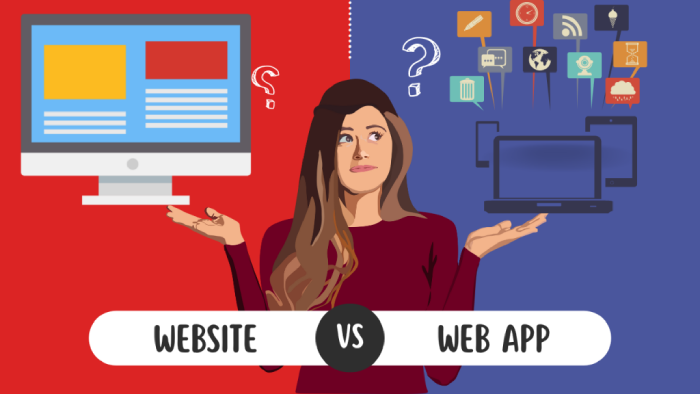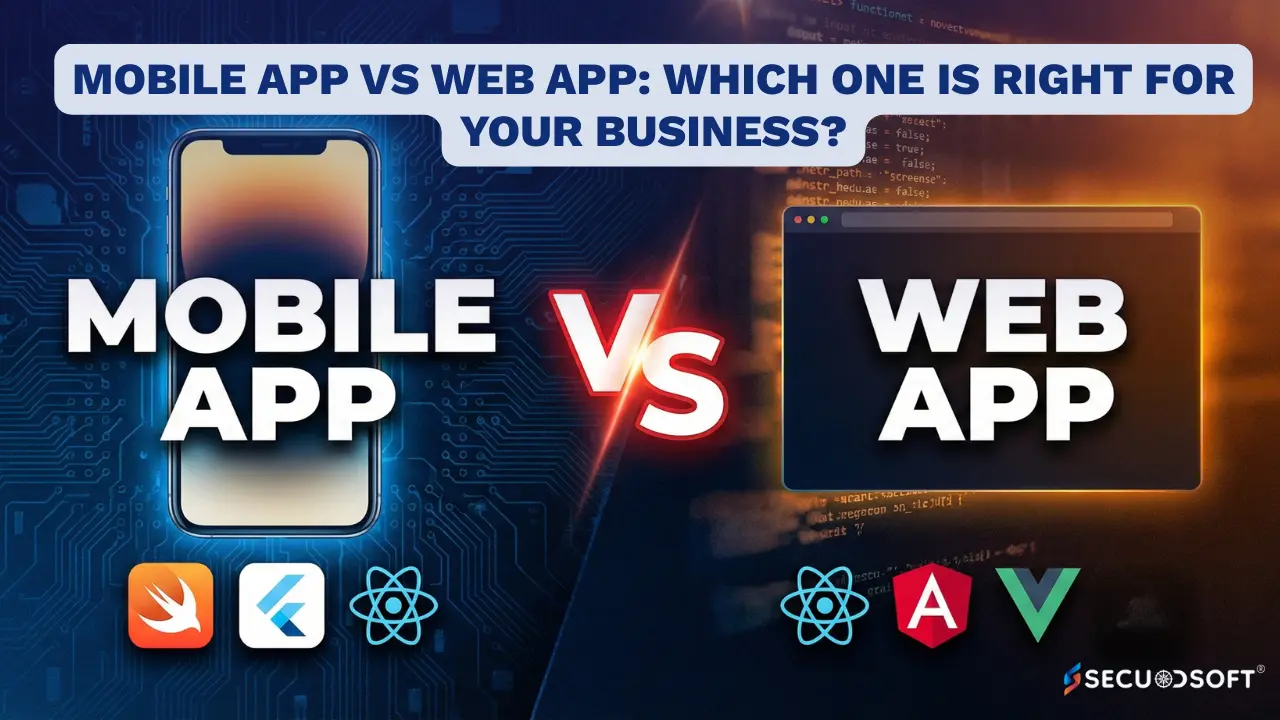
The decision to develop a mobile app vs web app may be the most critical technology decision any business makes. It impacts the cost and time to develop the app and build the technology foundation. Mobile apps provide far better outcomes and user interactions but come with significant costs and complexity, while web apps provide fast and cost-effective solutions across a wide range of devices. Understanding the technology behind each option and the benefits they offer helps in making the right decision.
A mobile app is a software application specifically designed for mobile platforms, including Android and iOS, and installed through app stores such as Google Play Store and Apple’s App Store. Mobile apps can be native apps (developed separately for each platform), cross-platform apps (compiled from a shared codebase), or hybrid apps (web-based content wrapped in a native shell).
A web app refers to an application accessed through a web browser (Chrome, Edge, Safari, etc.) using a URL, without requiring installation from an app store. Web apps are built using web technologies such as HTML, CSS, and JavaScript, and are designed to be responsive across desktops, tablets, and smartphones.
The mobile app vs web app debate centers on several practical differences that significantly influence business and technology decisions.
| Aspect | Mobile App | Web App |
|---|---|---|
| Access | Installed from app store | Opened via browser URL |
| Platform Dependence | Platform specific (iOS, Android) | Platform independent (any browser) |
| Performance | Generally faster and more responsive | Depends on browser and network speed |
| Device Feature Access | Full access (GPS, camera, sensors, biometrics, push) | Limited by browser APIs (some features restricted) |
| Offline Capability | Strong (local storage, background sync) | Limited, improved with PWAs |
| Update Process | Via app stores; user downloads updates | Instant, server-side updates |
| Development Cost | Higher (often separate builds) | Lower (single codebase) |
| Discoverability | App stores + marketing | Search engines + direct links |
Mobile apps provide several distinctive advantages over web apps, especially for engagement-focused and feature rich B2C products.
Mobile apps can remember user preferences, deliver personalized content, and provide smooth, app native navigation and gestures, resulting in higher engagement and retention compared to browser experiences.
Apps can send push notifications directly to users’ devices, promoting offers, reminders, updates, and transactional alerts that bring people back into the app at key moments.
Local storage allows users to access content, forms, or features even without an active internet connection—critical for travel, field service, education, and healthcare scenarios.
Camera, microphone, GPS, accelerometer, contact list, Bluetooth, and biometric authentication enable advanced use cases—like AR try ons, location based services, secure payments, and IoT control—that are difficult or impossible in standard web apps.
Being visible on the user’s home screen and in app stores enhances brand credibility and conveys that the business is established and tech forward.
Web apps shine in accessibility, speed of launch, and cost efficiency, making them highly attractive for startups, B2B SaaS, and internal tools.
One web app can serve users on desktops, laptops, tablets, and smartphones, avoiding the need to build and maintain separate native apps.
Because there is only one main codebase and no app store submission cycles, web apps are generally quicker and cheaper to build and iterate.
Changes deployed to the server immediately reach everyone, making bug fixes, A/B tests, and feature rollouts simple and low risk.
Users can start using your product instantly via a link, which reduces drop off during acquisition and is ideal for casual or infrequent use cases.
Web apps and sites can be discovered via search engines, backlinks, and social shares, driving organic traffic and lead generation.
| Type | Pros | Cons |
|---|---|---|
| Mobile App | High performance; deep device access; offline use; push notifications; strong UX and branding. | Higher development and maintenance cost; separate builds per platform; app store approval and updates required. |
| Web App | Cross platform; lower cost; instant access and updates; SEO friendly; no install needed. | Limited device access; weaker offline capabilities (outside PWAs); may feel less “native” and slightly slower. |
Choosing between a mobile app vs web app depends on your business model, audience, budget, and long term roadmap.
Many businesses eventually adopt both:
Secuodsoft blends strategic consulting, modern UX design, and robust engineering to build secure, scalable web and mobile applications tailored to your business goals. From discovery workshops and architecture design to cloud-native development, testing, and post-launch optimization, every project follows a transparent, Agile process that keeps you involved at every stage. Whether you need a high performance mobile app, a feature rich web platform, or an integrated ecosystem across both, Secuodsoft’s CMMI Level 3–driven practices ensure reliability, security, and long term maintainability. Partner with Secuodsoft to turn your product vision into a future ready digital experience that accelerates growth and delights your users.
There is no universal winner in the Mobile App Vs Web App debate—only a better fit for your specific business goals, audience, and constraints. Mobile apps excel when you need performance, offline capabilities, deep device integration, and strong, repeat engagement, while web apps are ideal for rapid launch, broad reach, and cost effective iteration across platforms. By carefully assessing who your users are, how they will interact with your product, what resources you have, and where you want your digital strategy to be in 2–3 years, you can confidently choose the right approach—or combination of approaches—to power your business growth.
Copyright ©2026 Secuodsoft. All rights reserved.