Mobile App Development
Editorial Team
29 Nov 2025
Introduction
The world of technology is rapidly evolving, and so is the demand for innovative Android apps. With billions of active users globally, the Android platform remains the most popular choice for both startups and established businesses. Android app development in 2026 continues to be a cornerstone of digital transformation—empowering companies, entrepreneurs, and brands to engage their audience, drive sales, and streamline operations.
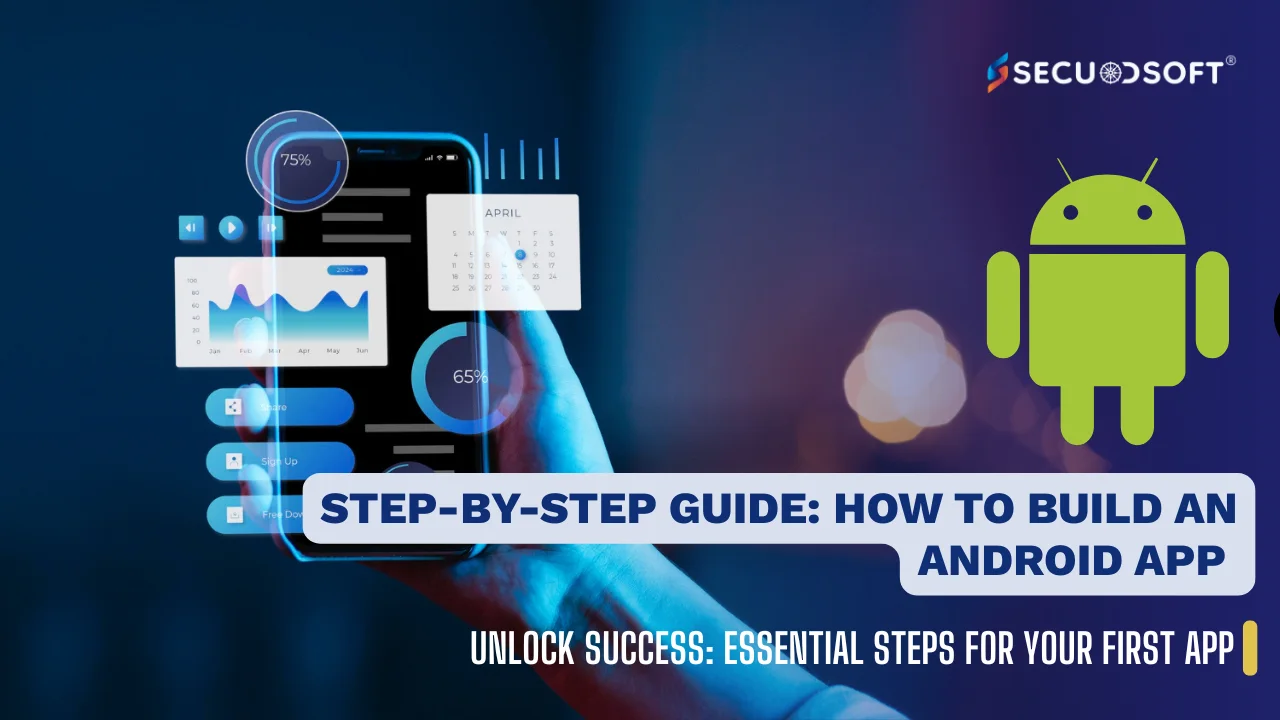
Whether you’re a tech enthusiast, aspiring developer, or entrepreneur, this in-depth guide will walk you through every aspect of Android app development—from why you should build an Android app, to the tools required, ten actionable steps, and how experts at Secuodsoft deliver custom mobile solutions.
Why Build an Android App in 2026?
Android apps have shaped the way millions access services, entertainment, information, and products. Here are compelling reasons to invest in Android app development:
- Widest Reach: Android dominates the global smartphone market, offering unparalleled access to a large, diverse user base.
- Cost-Effective Development: Open-source tools and lower barriers to entry make Android app development cost-effective for startups and enterprises.
- Business Growth: Mobile apps boost visibility, support digital branding, and enhance customer retention and loyalty.
- Monetization Flexibility: From in-app purchases and ads to subscriptions, Android apps offer versatile revenue streams.
- Integration: Easy integration with other mobile, web, and IoT solutions—creating seamless digital ecosystems.
- Rapid Innovation: Advances in AI, AR/VR, blockchain, and cloud enable new features, setting businesses apart.
- Cross-platform Potential: Share code with web app development for multi-platform (Android, iOS, Web) efficiency.
Tools for Android App Development
The Android ecosystem is vibrant and boasts a wide range of tools in 2026 for efficient and scalable mobile app development
- Android Studio: The official Integrated Development Environment (IDE) for building, testing, and debugging Android apps, providing code assistance, UI design tools, and seamless deployment.
- Kotlin & Java: Main programming languages for Android; Kotlin is recommended for modern, concise, and safer code.
- Android Jetpack Libraries: Libraries for architecture, UI, navigation, background tasks, and more.
- Firebase: Google's platform for real-time databases, analytics, authentication, notifications, and crash reporting.
- Gradle: Advanced project automation and build tool.
- Emulators & Device Testing: Tools for testing across virtual and real devices to ensure app compatibility.
- Version Control (Git, GitHub, Bitbucket): For source code management and team collaboration.
- UX/UI Design Tools (Figma, Adobe XD): For designing intuitive layouts and interactive prototypes.
- Third-Party APIs: Payment gateways, maps, social logins, IoT integration, and AI/ML functionality.
Emerging tools in 2026 include AI code assistants, AR/VR toolkits, low-code platforms, and frameworks like Flutter, React Native, and Xamarin for cross-platform and web app development.
10 Steps for Android App Development
1. Define Your App Idea and Strategy
- Pinpoint the problem your Android app will solve and research your competition.
- Identify your target audience and unique selling proposition.
- Decide if you need only an Android app or cross-platform and web app development.
2. Conduct Market Research & Gather Requirements
- Analyze market trends, review competitor apps, and collect user feedback.
- Define core features, performance benchmarks, user flows, and tech stack needs.
- Prioritize an MVP (Minimum Viable Product) for lean-budget launches.
3. Plan the App’s Functionality and Features
- List essential and “nice-to-have” features.
- Consider AI recommendations, chatbots, AR/VR, push notifications, secure logins, payment gateways, and social sharing.
- Define how the Android app will link with APIs or web platforms.
4. Design UI/UX and User Journey
- Create mockups and wireframes using Figma, Adobe XD, or Android Studio’s Layout Editor.
- Prioritize intuitive navigation, touch-friendly layouts, accessibility, and clear CTAs.
- Gather early user feedback to refine your designs.
5. Select Tech Stack & Frameworks
- Choose Kotlin or Java for native Android development.
- Consider Flutter or React Native for cross-platform capabilities and shared web app code.
- Integrate Firebase, Google Maps, payment APIs, and other third-party services.
6. Develop the Android App
- Set up your project in Android Studio and build UI screens and backend logic.
- Implement data storage, APIs, security layers, and reusable modular code.
- Use version control tools like Git for collaborative development.
7. Rigorous Testing and Quality Assurance
- Test using Android Emulator, real devices, and cloud-based device labs.
- Conduct unit, integration, UI, performance, and security tests.
- Fix bugs, optimize load speeds, and reduce battery/data usage.
8. Prepare for Launch: App Store Optimization (ASO)
- Create appealing app icons, screenshots, videos, and metadata.
- Ensure compliance with Google Play policies and prepare privacy documentation.
9. Launch and Market the App
- Submit to Google Play Store and other Android marketplaces.
- Promote via social media, SEO, influencers, paid ads, and web support.
- Monitor downloads, reviews, and user engagement.
10. Support, Maintenance, and Iterative Upgrades
- Gather analytics and feedback for continuous improvements.
- Release updates for new features, bug fixes, and compliance.
- Expand with a companion web app or iOS version.
How Secuodsoft Builds Custom Android Apps
Discovery & Consulting
- Understanding business goals, challenges, and opportunities.
- Advising on Android app strategies, web integration, and competitive analysis.
UI/UX and Prototyping
- Rapid wireframing and prototypes using Figma and Adobe XD.
- Validated designs with personas, accessibility standards, and industry trends.
Scalable Architecture
- Using MVVM, Jetpack Compose, Firebase, and cloud microservices.
- Modular architecture for future scalability and seamless upgrades.
Agile Development & Iteration
- Sprint-based development with frequent demos and transparent reporting.
- Integrated QA through automated and manual testing.
Smart Features & Integrations
- AI/ML integrations, personalized recommendations, and custom APIs.
- Secure payments, IoT compatibility, and enterprise cloud integration.
App Store Launch & Promotion
- Complete Play Store launch support including metadata, privacy, and ASO.
- Marketing support via keywords, user reviews, and social media campaigns.
Post-Launch Support
- Analytics-driven updates, performance monitoring, and security patches.
- Dedicated help desk and rollout of new modules.
Secuodsoft’s portfolio includes high-performance apps for retail, healthcare, finance, logistics, and B2B operations — showcasing deep expertise and commitment to client success.
Conclusion
Android app development is a gateway to competitive advantage, customer loyalty, and new revenue streams in 2026.
Whether building for consumers, businesses, or enterprise needs, the structured steps above empower you to create best-in-class mobile applications.
Embracing the future—AI, AR/VR, multi-device ecosystems—begins with a strong Android app and a digital partner who delivers with agility and vision.
Secuodsoft’s proven methodology spans discovery to deployment, ensuring your Android and web apps excel in a world of rising user expectations.
Are you ready to turn your idea into a future-ready Android app?
Partner with Secuodsoft for custom mobile app development that powers your next business leap.
Frequently Asked Questions (FAQ)
Android offers broad device compatibility, lower entry costs, and the largest global user base, making it ideal for maximizing reach and flexibility.
Android Studio, Kotlin, Jetpack Compose, Firebase, Gradle, and design tools like Figma lead in coding, design, and deployment efficiency.
Time frames vary: simple apps may take 2–3 months, while complex or enterprise-level apps can require 6+ months for development, testing, and launch.
Yes, low-code/no-code platforms allow non-developers to create basic apps, but advanced features and scalability require professional coding.
A clear 10-step process includes: ideation, research, planning, design, tech selection, development, testing, store compliance, launch, and ongoing maintenance.
AI/ML, cloud integration, wearables, AR/VR, rapid cross-platform frameworks, and secure application architecture are driving the industry forward.
Use secure coding best practices, comply with Google Play policies, update API targets, and regularly audit data privacy settings.
Costs range widely based on app scope and complexity, from $8,000 for simple MVPs to $100,000+ for custom, data-driven enterprise solutions.