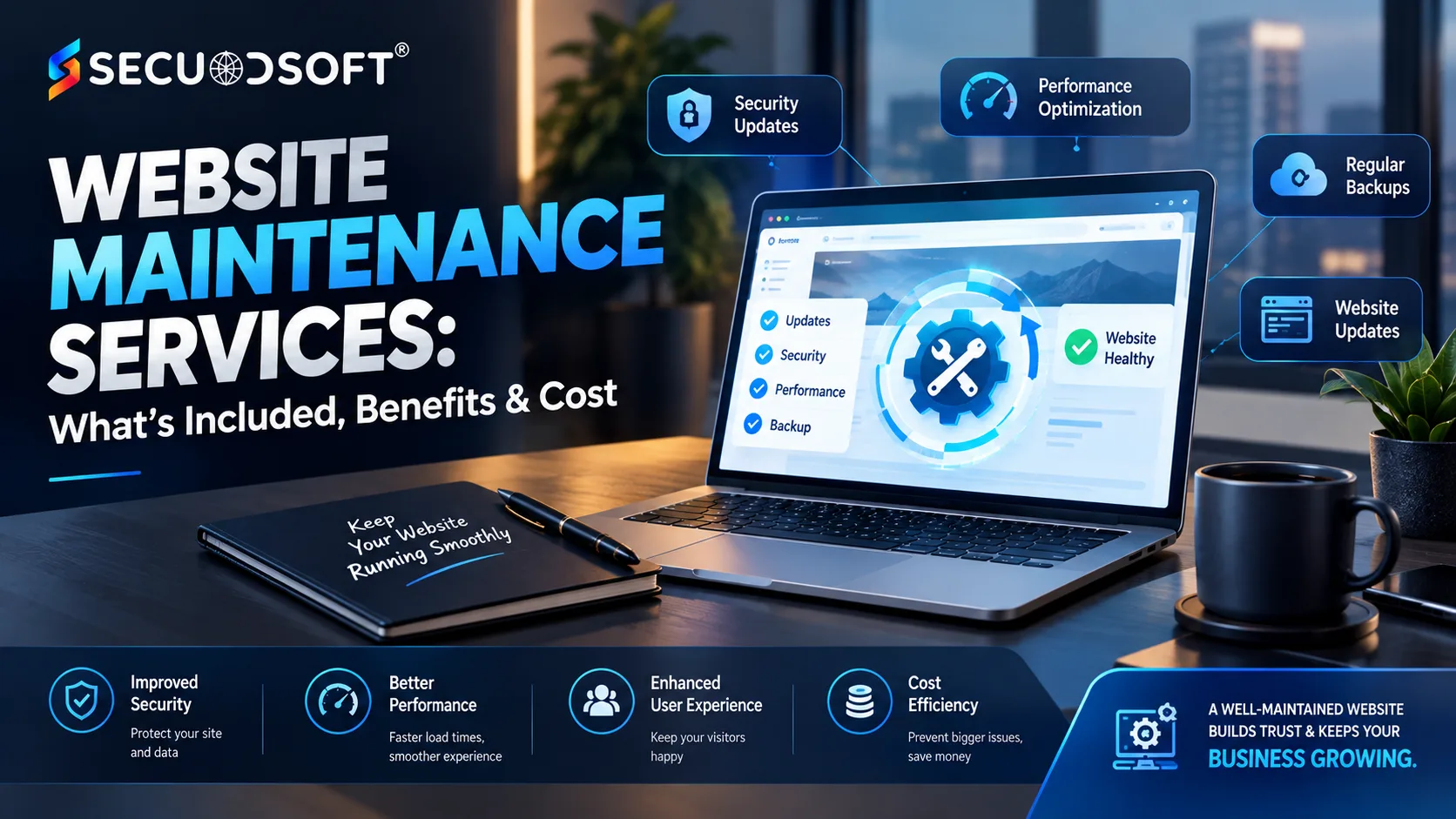
A website is not finished when it goes live. It is a continuously changing digital asset that requires regular updates, security checks, backups, performance monitoring, and technical support to remain reliable. This is why website maintenance services have become an important part of managing business websites rather than an optional activity performed only when something goes wrong.
Outdated plugins, broken forms, expired SSL certificates, slow-loading pages, security vulnerabilities, compatibility issues, and failed backups can gradually affect a website without being immediately obvious. Regular maintenance helps identify these problems before they become major disruptions. Current maintenance providers commonly include software updates, backups, security monitoring, uptime checks, performance optimization, content changes, and technical support within ongoing maintenance plans.
Whether you operate a small business website, corporate website, WordPress site, eCommerce store, or custom web application, a structured maintenance strategy can help protect your investment and keep the website aligned with changing business requirements.
Website maintenance services are the ongoing technical and operational activities performed after a website has been developed and launched.
The objective is simple: keep the website secure, functional, updated, accessible, and performing properly.
Depending on the website and maintenance plan, these services can include:
The exact scope varies between providers. Some plans focus mainly on technical maintenance, while broader packages combine maintenance with content updates, performance optimization, SEO support, and development assistance.
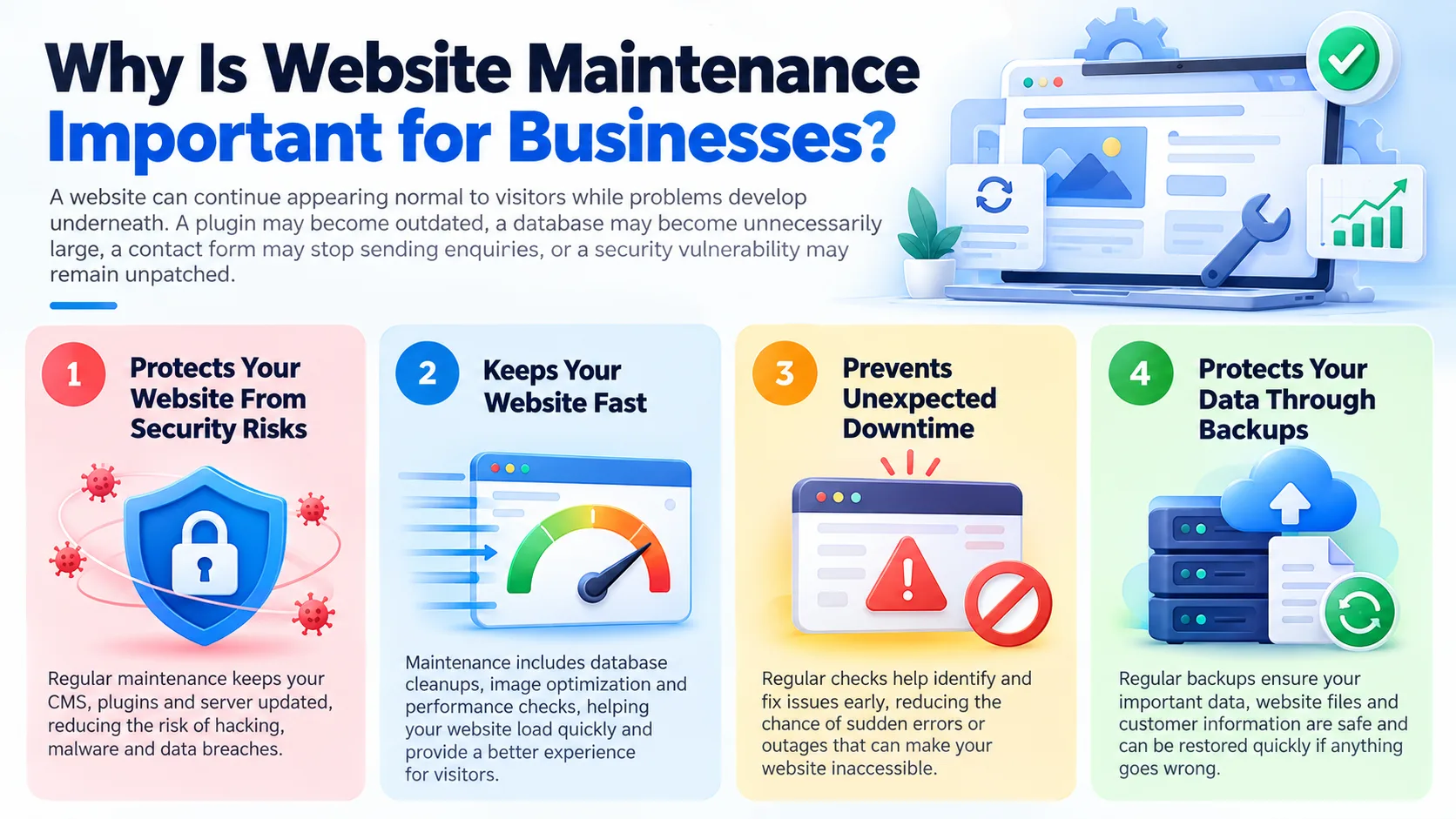
A website can continue appearing normal to visitors while problems develop underneath. A plugin may become outdated, a database may become unnecessarily large, a contact form may stop sending enquiries, or a security vulnerability may remain unpatched.
Regular maintenance addresses these issues systematically.
Security is one of the most important reasons to maintain a website.
CMS platforms, plugins, frameworks, libraries, and server software are regularly updated. Some updates introduce new features, while others fix known security vulnerabilities.
An outdated website can therefore become an easier target for automated attacks.
Website security maintenance can include:
Website performance affects how users interact with your business.
Large images, unnecessary scripts, outdated plugins, excessive database records, poor caching, and inefficient code can gradually make a website slower.
A website maintenance team can periodically review:
Performance optimization is particularly important for eCommerce and lead-generation websites because slow experiences can affect engagement and conversions.
Website downtime can mean lost enquiries, failed purchases, interrupted customer support, and damage to your brand reputation.
Uptime monitoring allows maintenance teams to detect when a website becomes unavailable and investigate the underlying problem.
For business-critical websites, monitoring should ideally be continuous rather than relying on someone discovering the problem manually.
A backup is one of the most important components of website maintenance.
A reliable backup strategy should consider:
Most importantly, backups should be tested.
A backup that has never been restored is not necessarily a reliable recovery mechanism. Some current maintenance providers specifically include restore testing because simply creating backup files does not guarantee successful recovery.
A professional website maintenance plan usually combines several different areas of technical care.
| Maintenance Area | Typical Activities | Business Benefit |
|---|---|---|
| Security | Patching, malware scanning, access checks | Reduces security risks |
| Backups | Automated backups and restore testing | Protects against data loss |
| Performance | Speed checks, caching, optimization | Better user experience |
| Updates | CMS, plugins, themes, dependencies | Improves compatibility and security |
| Uptime | Availability monitoring | Faster detection of outages |
| Content | Text, images, banners and page updates | Keeps information current |
| SEO health | Broken links, redirects, technical checks | Supports search visibility |
| Bug fixing | Forms, layouts, functionality | Maintains website usability |
| Hosting | Server and SSL support | Improves reliability |
| Reporting | Monthly health and maintenance reports | Provides visibility into work performed |
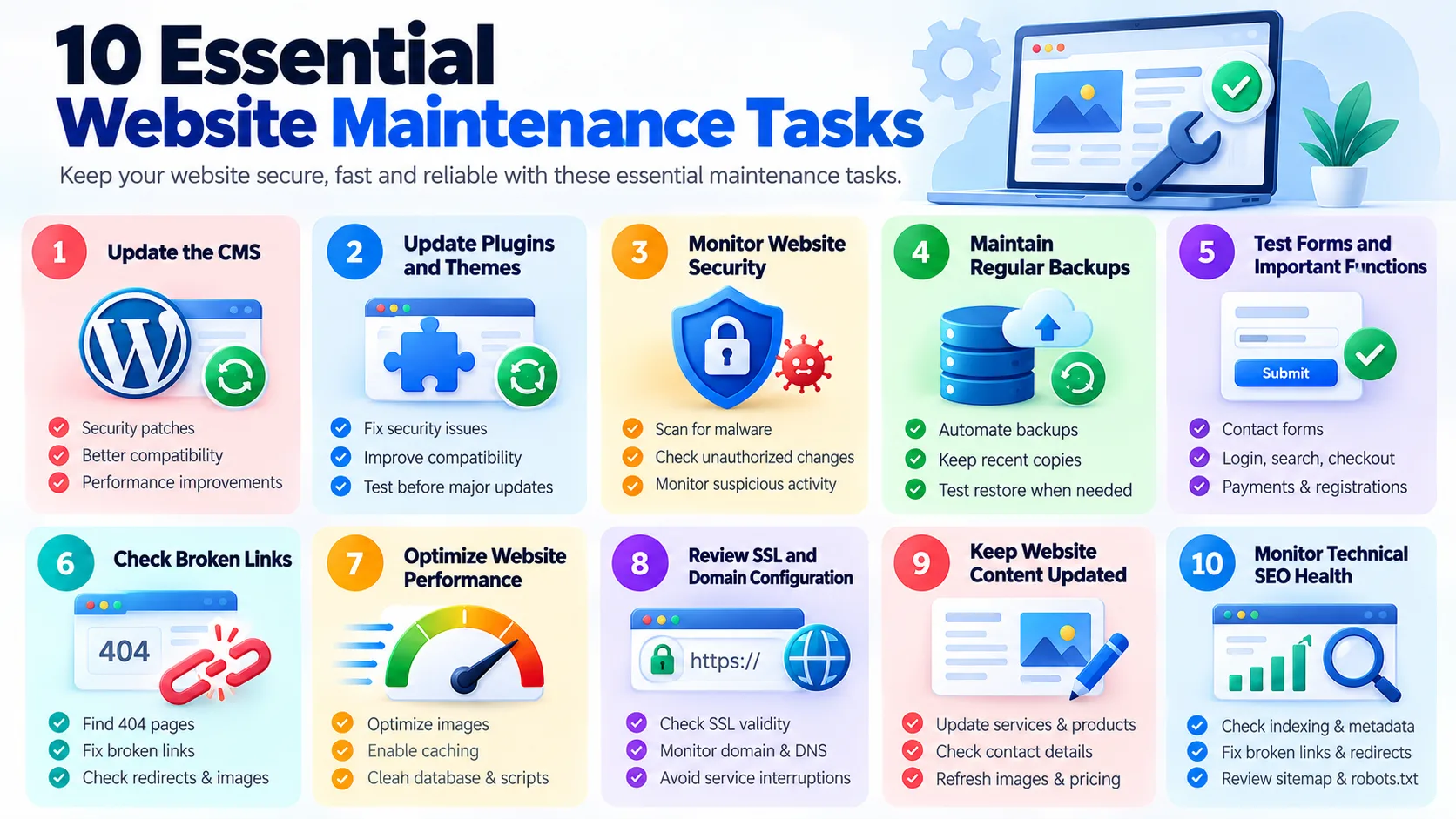
If your website uses WordPress or another CMS, its core software should be kept current.
Updates can contain security patches, compatibility improvements, performance enhancements, and new functionality.
Outdated plugins are a common maintenance concern for WordPress websites.
Before applying major updates, a proper process should include backups and compatibility testing where appropriate. Applying every update blindly on a production website can sometimes create new problems.
Security checks should look for suspicious files, unauthorized changes, vulnerable components, unusual login activity, and other indicators of compromise.
Backups should be automated according to the website's risk and update frequency.
A brochure website may have different requirements from an eCommerce platform processing transactions every day.
A website's contact form may look perfectly normal while silently failing to deliver enquiries.
Important functions should be periodically tested, including:
Broken internal links create poor user experiences and can make website maintenance issues harder to identify.
Regularly check for:
Performance maintenance can include image optimization, caching, database cleanup, script optimization, and server-side improvements.
SSL certificates, domains, DNS settings, and hosting configurations should be monitored to avoid preventable service interruptions.
Technical maintenance isn't enough.
Business websites also need accurate:
Outdated information can be just as damaging to customers as a technical error.
Website maintenance should also include basic technical SEO checks.
These may include:
Maintenance does not replace an SEO strategy, but it helps prevent technical problems from undermining existing SEO efforts.
There is no single maintenance schedule that works for every website.
The appropriate frequency depends on the platform, traffic, functionality, update frequency, security requirements, and business importance.
For business-critical websites:
The more frequently a website changes or generates revenue, the more frequently it generally needs active maintenance.
Not every website needs the same maintenance approach.
A standard business website may require:
WordPress maintenance services commonly include:
Online stores require more frequent attention because failures can directly affect revenue.
Maintenance may include:
Custom applications require a more development-focused approach.
Maintenance may involve:
Website maintenance pricing varies according to the website's technology, size, complexity, traffic, security requirements, and support expectations.
Current Indian maintenance providers advertise plans ranging from roughly ₹1,000 - ₹3,000 per month for basic websites to ₹15,000 - ₹20,000 or more for eCommerce and higher-support requirements, while custom applications can require substantially more depending on scope. These are market examples rather than universal pricing benchmarks.
A typical structure might look like this:
Rather than choosing the cheapest maintenance plan, compare what is actually included in the scope.
Some business owners choose to maintain their websites themselves.
DIY maintenance can work when:
Professional maintenance becomes more valuable when:
The question isn't simply whether you can maintain your website yourself. It is whether doing so provides enough value compared with the time, expertise, and risk involved.
Before signing a maintenance contract, ask potential providers exactly what they will handle.
A clear maintenance agreement should define the scope, response expectations, exclusions, and escalation process before work begins.
Several problems repeatedly occur when website maintenance is treated as an afterthought.
Reactive maintenance means problems are discovered only after customers encounter them.
Applying major updates without a recent backup can make recovery unnecessarily difficult if compatibility problems occur.
An outdated component can remain vulnerable even when the rest of the website appears healthy.
A backup system should be tested periodically rather than simply assumed to work.
Payment gateways, APIs, analytics tools, CRM integrations, maps, forms, and other services can stop working after changes.
Changing a banner or updating text is only one small part of website maintenance. Security, backups, performance, software updates, and technical monitoring are equally important.
Use this quick checklist to assess whether your website is being maintained properly:
A website needs ongoing attention after launch to remain secure, reliable, and aligned with changing business requirements. Secuodsoft provides website maintenance and support services to help businesses manage updates, security, performance, backups, bug fixes, and ongoing improvements without having to maintain everything in-house. The team also provides post-launch technical support and maintenance for digital products, helping businesses address issues and keep their websites and applications running smoothly.
Whether you need regular website updates, security maintenance, performance optimization, technical troubleshooting, or ongoing support, Secuodsoft can tailor maintenance services around your website's technology, business requirements, and support needs. The company also provides broader web application, cloud, and IT infrastructure services when a website requires more than routine maintenance.
A website should be treated as an ongoing business asset rather than a one-time development project. Regular website maintenance services help businesses keep their websites secure, fast, functional, updated, and capable of supporting changing customer and business requirements. From backups and security patches to performance optimization, content updates, and technical SEO checks, consistent maintenance can prevent small issues from becoming expensive problems.
The right maintenance approach depends on your website's technology, complexity, traffic, and business importance. Whether you manage a small WordPress website or a complex eCommerce platform, choosing a clear maintenance plan with defined responsibilities, monitoring, backups, security checks, and technical support can help protect the investment you've already made in your website.
Copyright ©2026 Secuodsoft. All rights reserved.